 You don't need to be an 'investor' to invest in Singletrack: 6 days left: 95% of target - Find out more
Hi I think I've manage to work out how to post a picture onto the forum using flickr by using the "IMG" menu box the pasting my image URL under option 2 in Flickr,
So my Option 2 in Flickr is
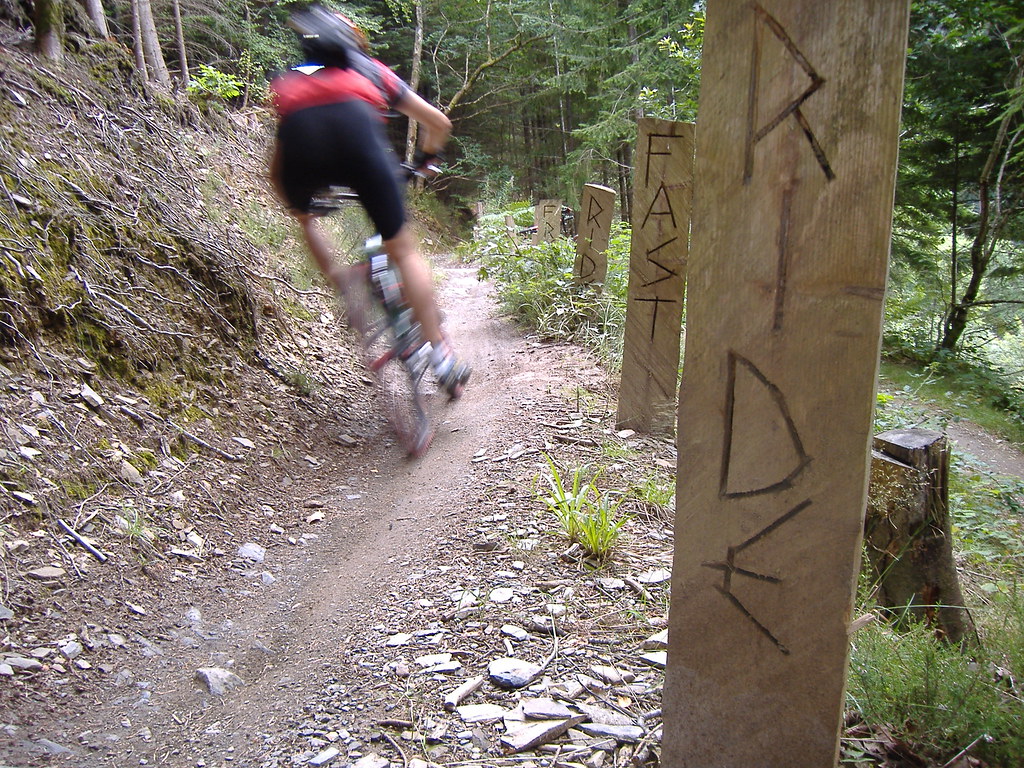
Then I use the "IMG" menu box and paste Option 2 into the box
Which hopefully results displaying the image in the post like so,
[img] [/img]
HOWEVER, Flickr says you should use Option 1. This does not seem to work ?
Any Help please, do you need to use any of the posting menu options or additional syntax to make it work ?
Thanks
i print off my pics. selotape them to the screen and press enter!
🙂
[img ] paste the image url here [/img ] with no spaces and voilà, in other words use what works like as Jedi has found out.
Thanks for that eth3er, this is what ive done using option2 from flickr hence hopefully you can see the image,
however option 1 that flickr tell us to use has an additional code, that when pasted doesnt work. I assume then that using option 2 is the only way to do it?
option 2 on flickr is what i use. option 1 is HTML, which you don't need to worry about.
Thanks tails
[IMG] 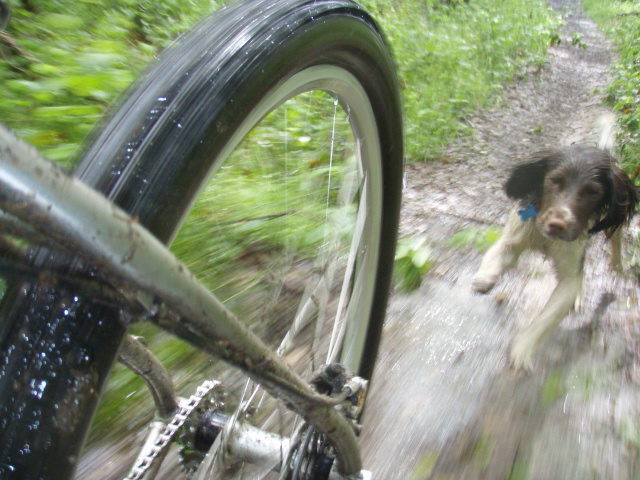 [/IMG]
I've tried downloading that mozilla / greasemonkey script mentioned in the other post, but it tries to go places I'm not sure I want it to...
So I get round the Option 1 vs 2 by giving a URL of my photostream separately, like so - [url= http://www.flickr.com/photos/robgarrioch/sets/72157622674046708/ ](photostream)[/url]
[IMG] 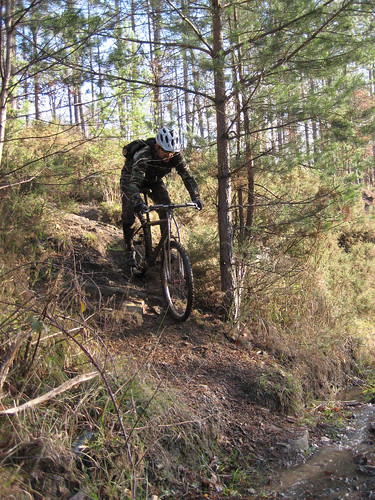 [/IMG]
Sorry ,I didn't realise it was this simple!
😳
I've tried downloading that mozilla / greasemonkey script mentioned in the other post, but it tries to go places I'm not sure I want it to...
So I get round the Option 1 vs 2 by giving a URL of my photostream separately, like so - (photostream)
"Flickr Community Guidelines specify that if you post a Flickr photo on an external website, the photo must link back to its photo page."
So linking back to the photopage would be better than your photostream
The Phorumr script linked to earlier will work in Opera too (no need for greasemonkey)